
Report an item issue
Start from the order, choose the issue type, see exactly what proof is needed, and keep the seller, hub, and support review tied to the same item record.
Report path: documentation first
Open the case preview after adding the report, or return to the order snapshot to compare item proof.
Documentation gate
Reports cannot advance without the right proof
Each issue type asks for different evidence so missing, lost, damaged, wrong, and pickup cases do not get blurred together.
Missing included item
Requires item photo, packaging photo, listing snapshot, seller thread, and requested resolution.
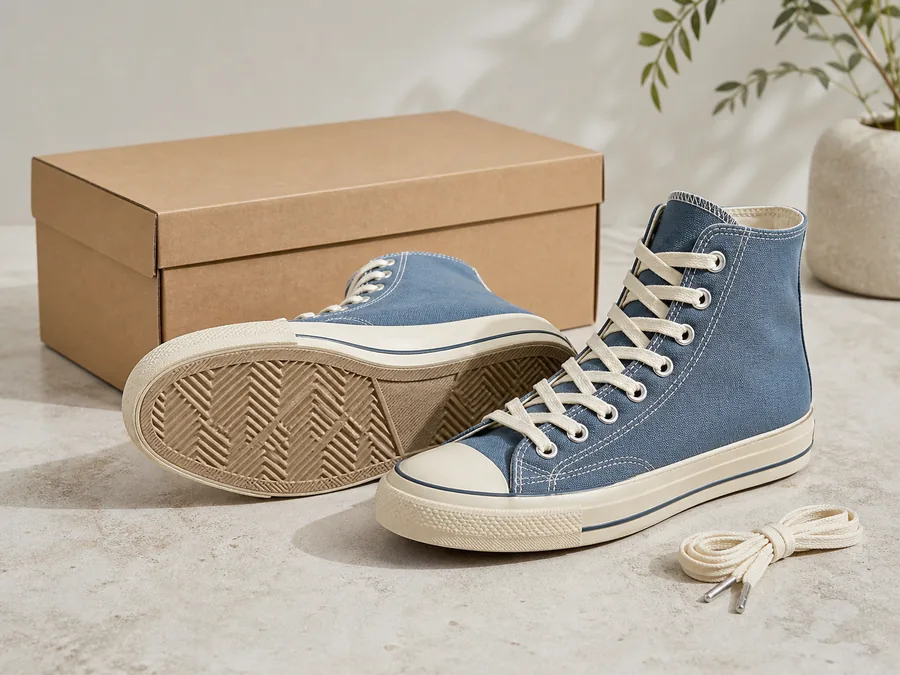
Box or spare laces
Lost shipment
Requires carrier scan history, delivery status, seller drop-off proof, and buyer delivery note.
Tracking evidence
Damaged package
Requires outer box photos, inner packing, item damage closeups, label image, and delivery date.
Claim packet
Pickup release issue
Requires QR release record, counter note, pickup time, item photo, and buyer statement.
Hub proof
Wrong item
Requires full item photos, serial or cert mismatch, listing snapshot, and seller response.
Identity proof
Condition mismatch
Requires flaw photos, listing condition trail, message context, and return preference.
Review path
1. Confirm Order
- Order PU-1042: Slate canvas high-tops.
- Seller: ThreadCycle, 4.8 rating.
- Handoff: Columbus East hub pickup, QR release recorded.
- Report window: open for item condition, missing accessories, or pickup release questions.
2. Choose Issue Type
- Item never arrived or pickup release failed.
- Item arrived damaged or packaging was damaged.
- Item condition does not match the listing photos or notes.
- Wrong item, missing included item, size mismatch, or label mismatch.
3. Required Proof
- Photo of the full item and any affected area.
- Packaging photos, shipping label, or hub pickup receipt.
- Screenshot or copy of seller messages related to the issue.
- Short buyer note describing what happened and the requested outcome.
4. Seller Response
- Seller receives the issue type, order snapshot, buyer note, and evidence checklist.
- Seller can provide packing proof, item photos, accessory count, message context, or proposed resolution.
- Response timing can affect seller standards and future visibility.
5. Hub Proof
- Hub-assisted orders attach intake photos, accessory count, condition notes, packing notes, and release timestamp.
- Pickup reports can include counter notes, QR release state, release initials, and item handoff status.
- Hub proof is shown separately from buyer and seller notes so the evidence stays readable.
6. Requested Outcome
- Return request, replacement part, partial refund review, seller correction, hub recheck, carrier review, or support credit.
- Outcome copy explains what happens next and who needs to act.
- Refund, credit, or release actions stay behind future launch approvals and permissions.
Report Preview
- Selected issue: Condition does not match the listing.
- Buyer note: The outsole wear appears heavier than it did in the listing photos.
- Evidence attached: Outsole photos, box photo, listing snapshot, pickup release, and seller message thread.
- Needed next: Seller response and hub intake-photo review.
Documentation Checklist
- Order snapshot and item title.
- Current item photos from the buyer.
- Packaging, label, pickup receipt, or release code proof.
- Seller message context.
- Requested resolution and preferred contact path.
Support Triage
- Case moves to buyer help when evidence is complete.
- Trust review is added for serial mismatch, certificate mismatch, or repeated seller patterns.
- Hub review is added when intake, packing, or pickup records can answer the issue.
Customer Notice
- Buyer sees a plain status: docs needed, seller response, hub review, support review, outcome, or appeal available.
- Notices route to the case file instead of asking for private details in a message.
- Every status includes the next action and expected review window.
Add This Report To Activity
Use the report details to add the issue to this device. It will appear in purchases, account activity, and the case view with a return path to the source order.
Support Case
Case file with required documentation, buyer notes, seller context, review notes, and status.
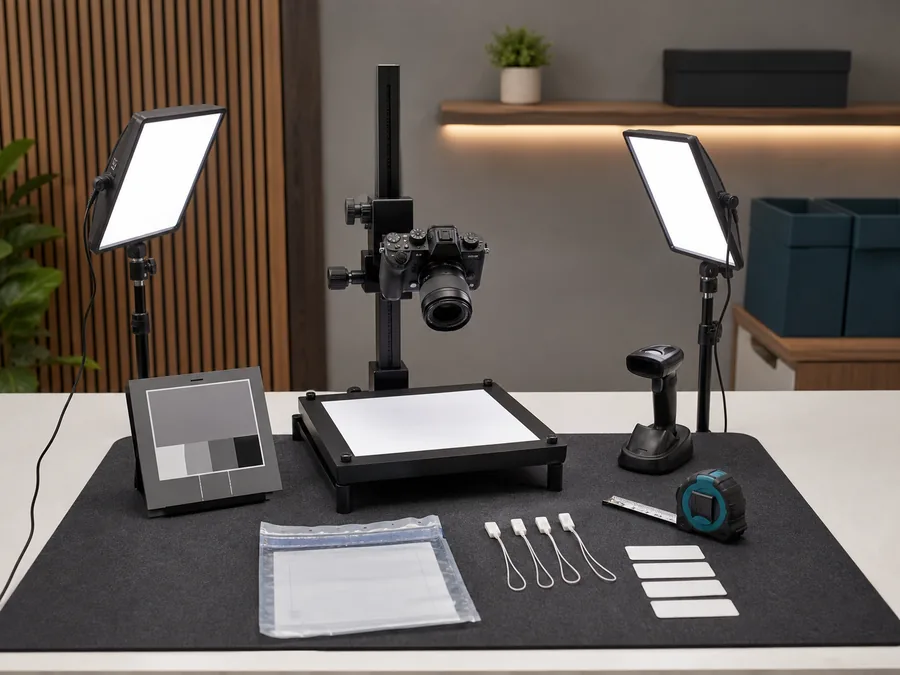
Resolution Center
Missing items, condition issues, damaged shipments, pickup problems, outcomes, and appeals.
Purchase Protection
Issue windows, evidence checklists, seller response, hub proof, return status, and refund review.
Dispute Evidence
Order snapshot, delivery proof, refund review, seller holds, hub evidence, and customer notices.
Media Evidence
Listing photos, serial proof, packing proof, report documents, redaction, and retention.

Seller Protection
Buyer abuse, return swaps, seller release holds, evidence packets, pickup disputes, and shipping damage.
Current demo state
The report flow is shown with an example order.
The page shows issue choices, required documentation, buyer notes, seller response, hub proof, customer notices, and case routing using order data shown on this page. It does not upload files or open real support work.
Future platform state
Launch reporting needs secure case handling.
Launch needs sign-in, secure evidence upload, role permissions, seller response windows, notification delivery, refund authority, appeal history, retention rules, and audit logs.