
Shopping
Find an auction, review the item and seller, try a demo bid, check the total, and open the order.
Start shopping journeyPre-launch marketplace
Browse the product shell. Listings, accounts, and payments are not live. Use the waitlist form on this page, or open /early-access.
Browse the marketplace
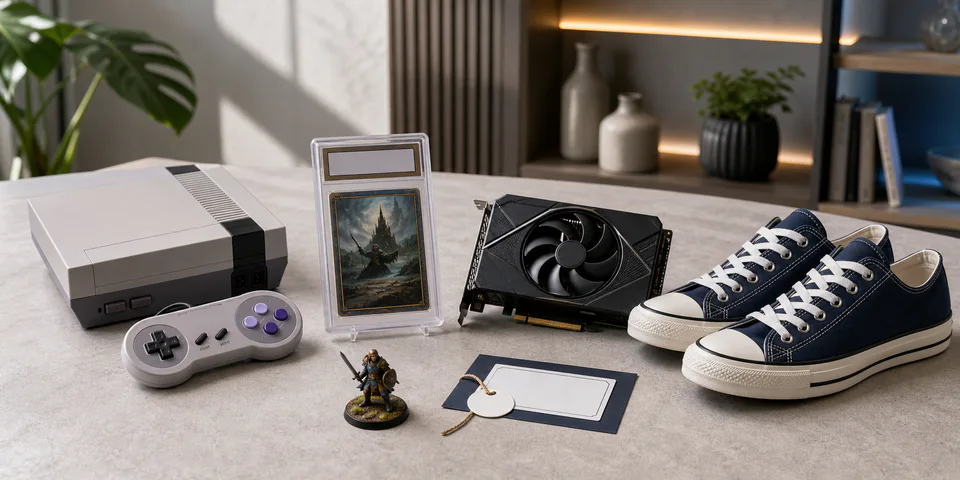
New in the marketplace
Compare condition notes, item evidence, seller history, and delivery choices.
Guided product demo
Pick a path and follow the numbered guide. Each step shows what to notice, what to try, and where to go next.
Find an auction, review the item and seller, try a demo bid, check the total, and open the order.
Start shopping journeyReview inventory, improve a listing, add item evidence, close an auction, and check seller performance.
Start selling journeyFollow item intake, category checks, custody labels, pickup, and release at an example store.
Start store journeySee how publisher permission, ownership, buyer eligibility, and refusal rules control a transfer.
Start digital journeyFollow item evidence, an order-linked report, support review, resolution, and appeal.
Start support journeyReview partner connections, employee access, launch controls, settlement, and operating evidence.
Start technical reviewBuying on PUPMKT
Important details stay with the order whether the item ships, is picked up locally, or receives a participating-store check.
Filter by category, condition, price, delivery, seller history, and available checks.
See the item, condition notes, included pieces, seller record, and handoff choices.
Use shipping, local pickup, or a participating store when the listing supports it.
Order updates, evidence, messages, delivery, and support remain attached to the order.
Optional help nearby
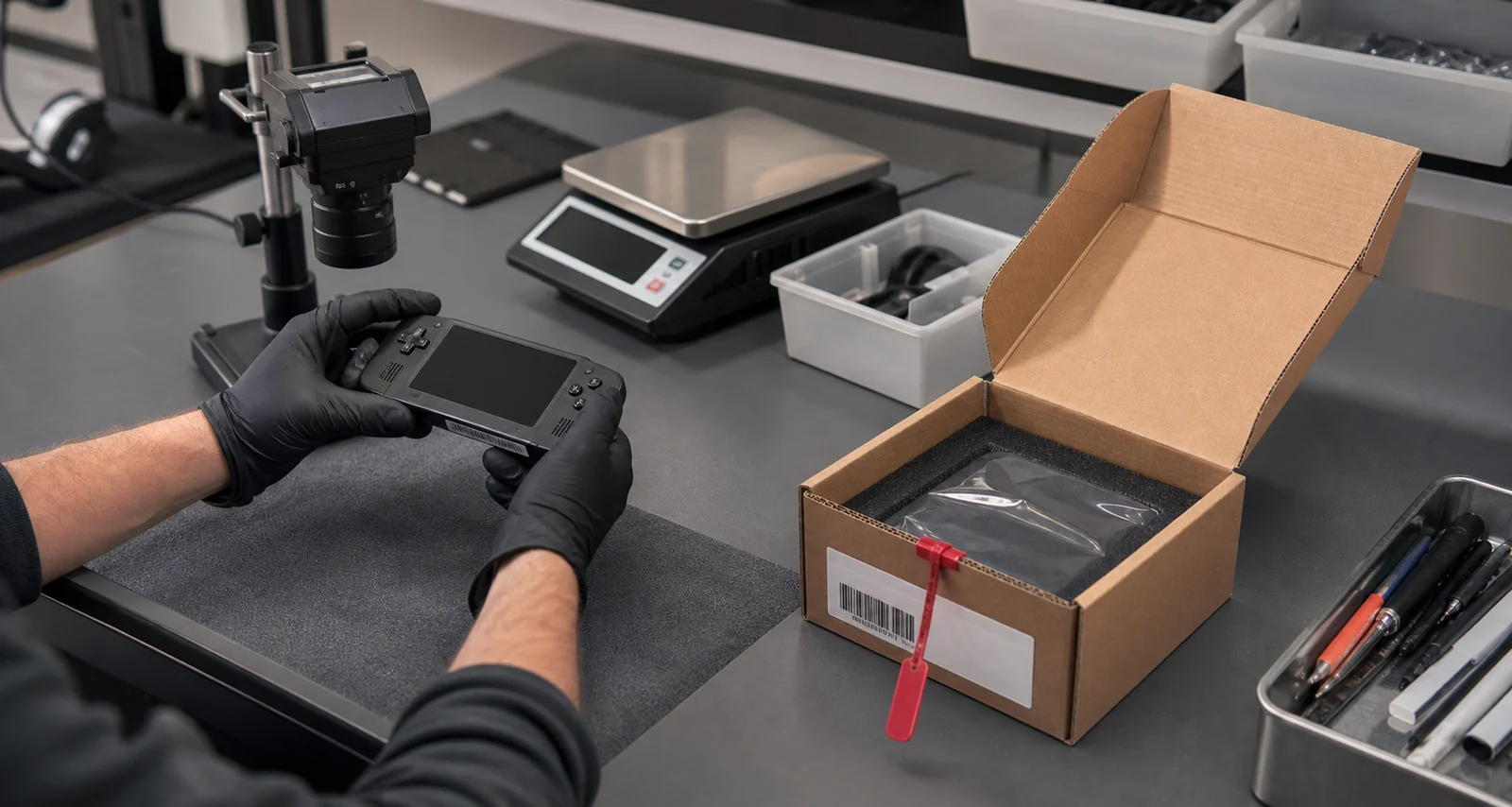
Eligible locations can document item condition, apply tamper-evident labels, record custody changes, prepare managed shipping, and release a pickup to the right person.
Seller tools
Build a listing, respond to offers, follow inventory, and keep payouts and order work in one seller workspace.