
Category system appendix
The public demo and 1.0 storefront now share one governed 13-category launch taxonomy. These screens show category-specific evidence and handoff needs; a connected partner catalog remains authoritative for category IDs, hierarchy, availability, counts, and media.
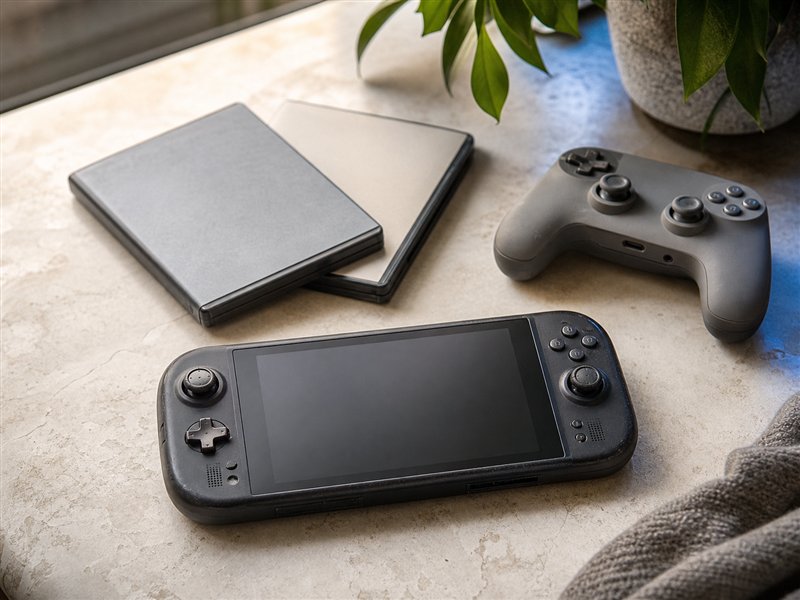 Gaming
Consoles, games, controllers, handhelds, accessories, test state, and included-parts evidence.
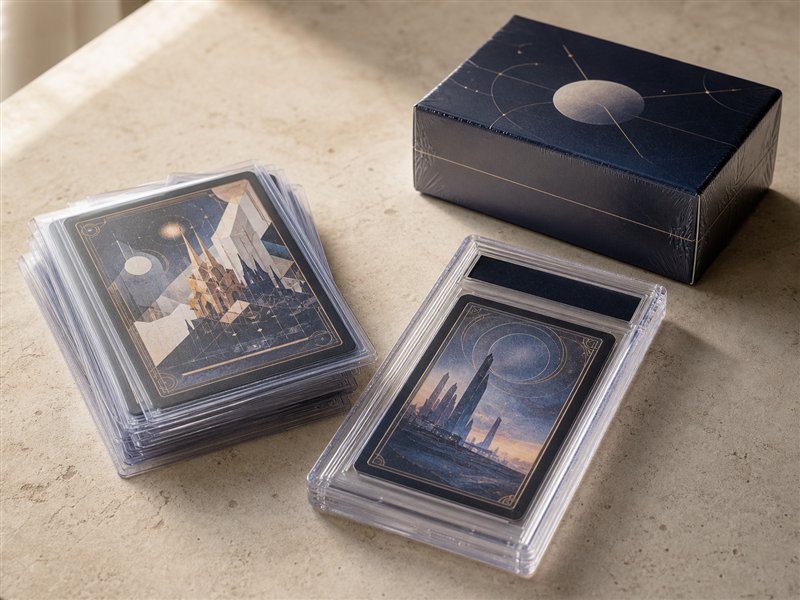 Trading cards
Graded cards, sealed products, singles, sets, label details, surface photos, and seal evidence.
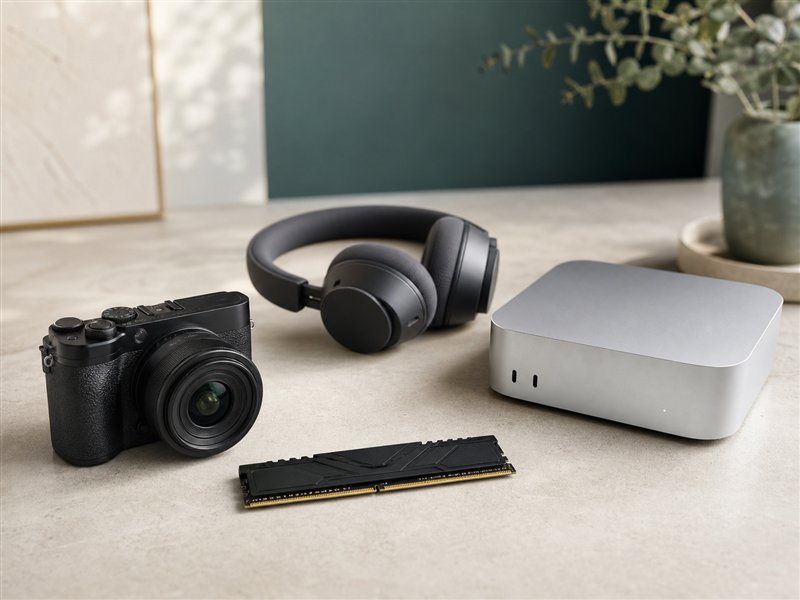 Electronics & PC
Computers, components, audio, cameras, devices, serial handling, tests, ports, and accessories.
 Collectibles
Figures, memorabilia, limited editions, display pieces, provenance, completeness, and condition evidence.
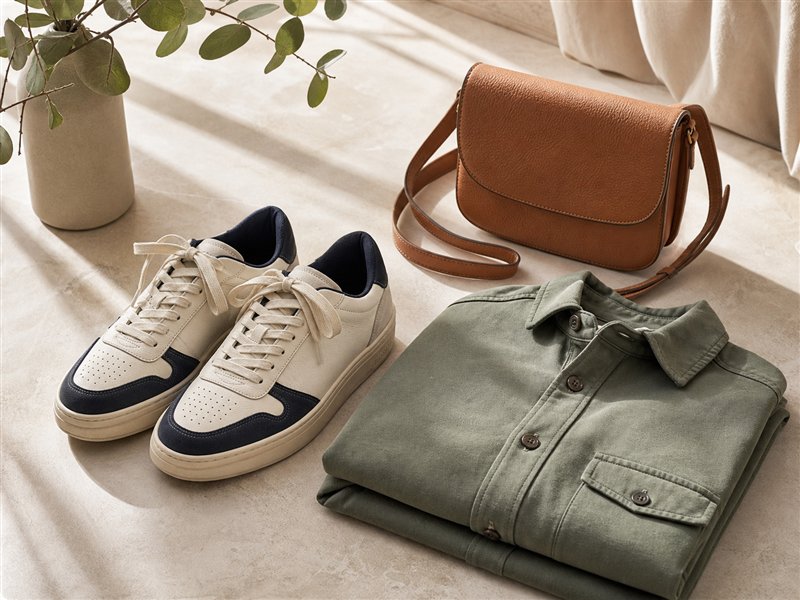 Sneakers & fashion
Size, measurements, wear, materials, box or tag evidence, and pickup-or-shipment choices.
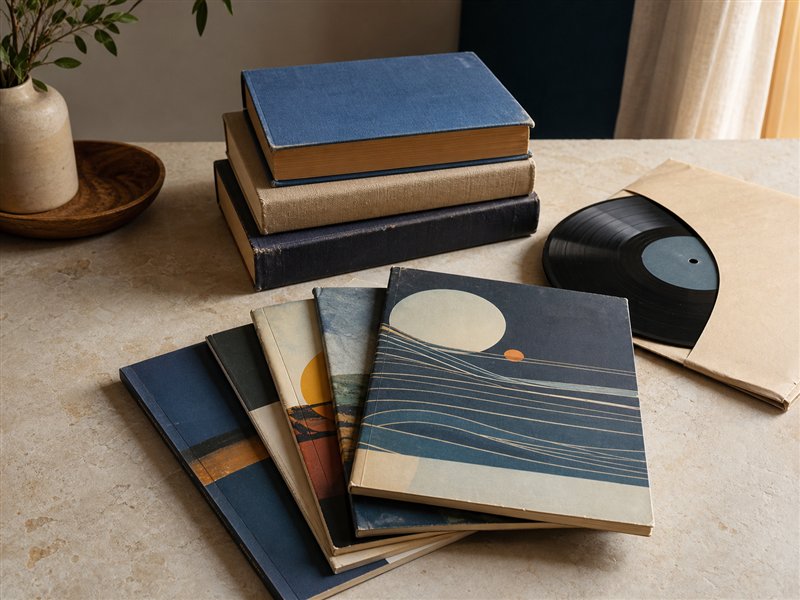 Books & comics
Books, comics, manga, guides, sets, edition details, volume count, spines, and page condition.
 Home & garden
Furniture, decor, appliances, lighting, garden, measurements, power checks, and pickup readiness.
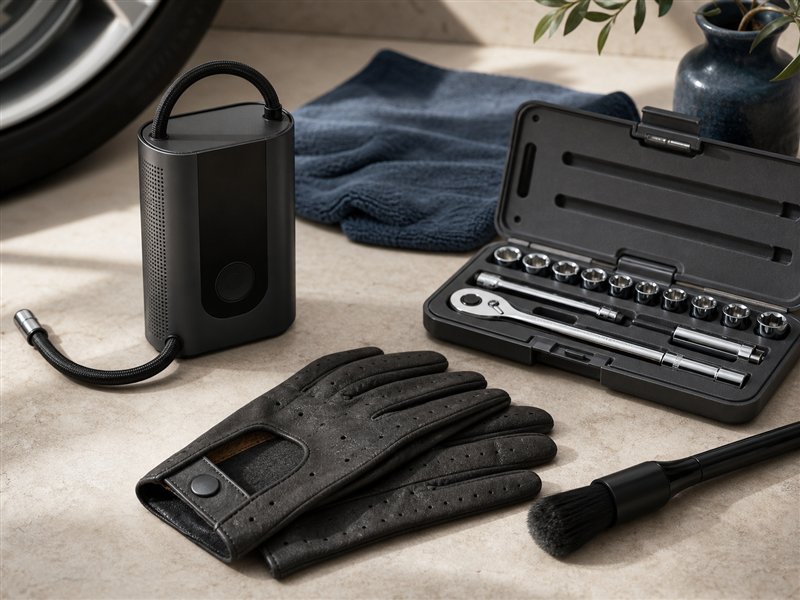 Automotive
Parts, accessories, detailing supplies, tools, fitment, part numbers, measurements, and kit contents.
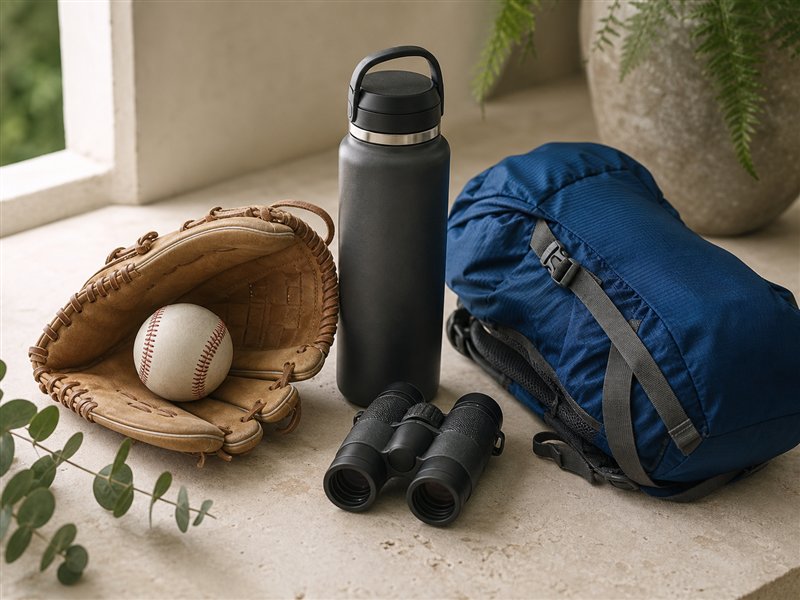 Sports & outdoors
Sporting goods, fitness equipment, outdoor gear, memorabilia, safety, size, and provenance details.
 Toys & hobbies
Toys, models, tabletop games, hobby equipment, creative kits, completeness, age, and condition.
 Art & antiques
Original art, prints, vintage pieces, maker marks, restoration notes, dimensions, and provenance.
 Watches & jewelry
Watches, jewelry, vintage accessories, measurements, materials, service records, and insured handoff.
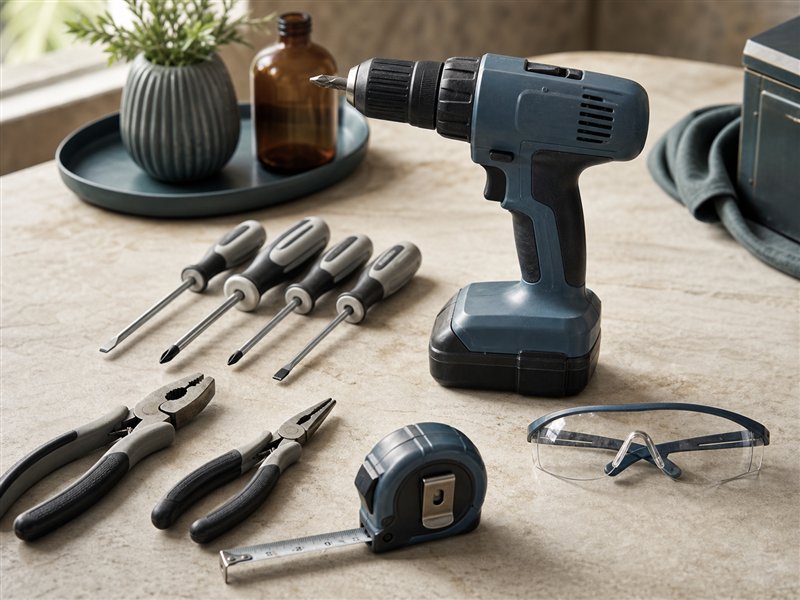 Tools & equipment
Hand tools, power tools, shop equipment, model details, safety notes, tests, and freight or pickup fit.
Save a category search
Keep category, condition, evidence, price, fulfillment, and location choices together for another visit.
Compare similar items
Review condition, evidence, price, seller, and handoff details across listings in a governed category.
Checkout preview
Preview shipping, pickup, store-assisted handoff, totals, and protection before an eligible purchase.
Report preview
Preview category-aware issue intake, evidence requests, deadlines, and support routing.
Buyer Experience
- Each category needs buyer-visible proof rules before price, offer, bid, or cart review actions.
- Listings should show whether shipment, hub pickup, local pickup, freight, or appointment handoff fits the item.
- Saved searches and alerts should carry category-specific filters instead of generic keyword-only matches.
Seller Experience
- Listing forms should change fields by category so sellers do not miss serials, measurements, proof photos, fitment, or certificates.
- Bulk import should flag missing attributes before publish review.
- Categories with higher support risk should show return, packing, pickup, and evidence expectations early.
Owner Review
- Approve which categories appear in public browsing, which require hub checks, and which need staff review before activation.
- Track category readiness through catalog quality, trust rules, support evidence, and launch-wave controls.
- Keep restricted goods out of buyer-facing discovery until policy, support, and seller guidance are ready.
Catalog quality
Attribute rules, duplicate checks, media proof, and listing repair.
Condition guide
Category-specific proof standards for buyer confidence.
Prohibited items
Restricted goods, seller education, and hub rejection rules.
Launch waves
Category sequencing, seller cohorts, support staffing, and rollback rules.
Current demo state
All 13 launch categories use one shared preview taxonomy.
The appendix shows category-specific evidence and handoff needs while the interactive storefront uses the same names, order, descriptions, and neutral category photography.
Future platform state
The connected partner catalog remains authoritative.
Production category IDs, hierarchy, counts, media, attributes, eligibility, and launch state come from the partner catalog. Employee category tools govern changes without hardcoding a new storefront release.